Australian Android closed beta
Help make money planning feel clearer.
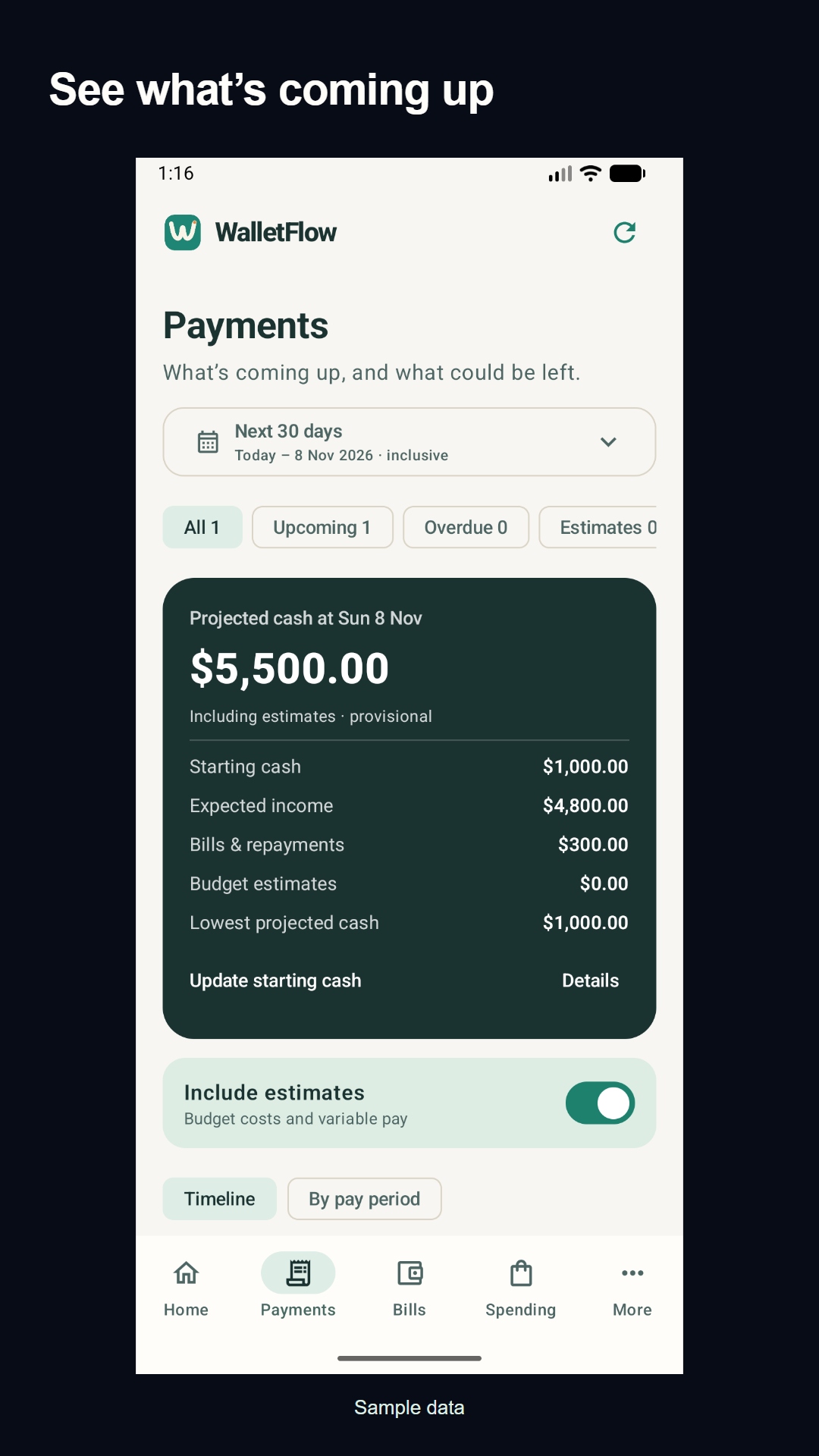
Try WalletFlow’s native Android app. See upcoming bills and repayments alongside your pay dates, with a projected running balance from the details you enter.
We’re looking for 15–20 Australian volunteers aged 18+, using Android 8 or newer. Weekly, fortnightly and monthly pay are all welcome.
See how to joinVoluntary, unpaid testing. No purchase or public review required.
Join in three steps
Use the same Google account for the tester group and Google Play. Joining the group alone doesn’t enrol you in the test.
- 01
Join the tester group
Open the Australian beta group and choose Join group while signed into your Google account.
Open tester group (opens a new tab) - 02
Opt into the closed test
Open the Google Play testing page and choose Become a tester. Check that you’re using the same Google account.
Open Google Play opt-in (opens a new tab) - 03
Install and try WalletFlow
Follow the install link Google Play shows after you opt in. Create or sign into your WalletFlow account in the app.
Continue to installation (opens a new tab)
If Google Play says you aren’t eligible, check the account and group membership first. Internal testers must leave the internal test before joining the closed test. Tell us which step blocks you if you still can’t install.
Your first five minutes
Use a separate test account for made-up income and two bills. If your account already contains your real plan, use those records and avoid adding sample entries. Try your pay cycle, check what’s due before payday, then change a bill date and look at the projection.
The free plan is enough for this exercise. Pro features are optional. No bank connection or real financial information is needed for testing.
Tell us what slowed you down
Use the app a few times over two weeks and stay opted in for 14 consecutive days if you can. We’d value honest feedback on signup, setup and whether the payment totals make sense.
Reply to the launch post (opens a new tab)Share the step and what happened. Keep passwords, codes, account details and real financial screenshots out of public comments.
Prefer the browser?
WalletFlow also works on the web. Start a small household plan with your pay cycle and an upcoming bill.
Start a free web plan